Free NPV and IRR Calculator Spreadsheet Template
Calculate net present value and internal rate of return for investment projects. Enter cash flows and a discount rate to evaluate potential investments.
Your template is downloading!
Here's what you could do with the Pro version:
- Analyze a single project with 10-year cash flows
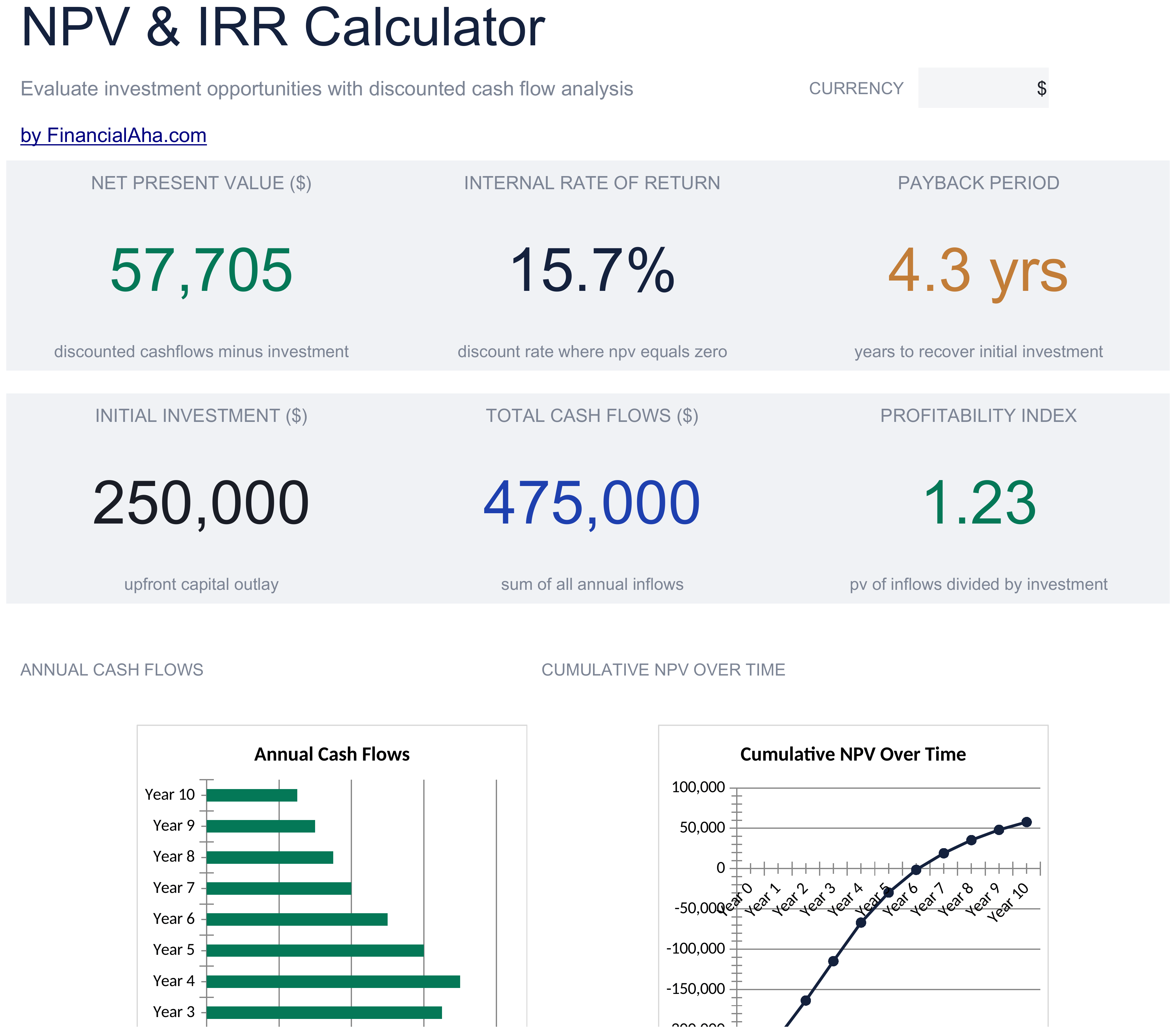
- Dashboard with NPV, payback period, and bar chart
- Discount rate and cash flow inputs
- Works in Excel and Google Sheets
- Compare up to 3 investment projects side by side with independent cash flow projections
- Each project has a dedicated sheet with 15-year cash flow table, discount factors, present values, and cumulative PV
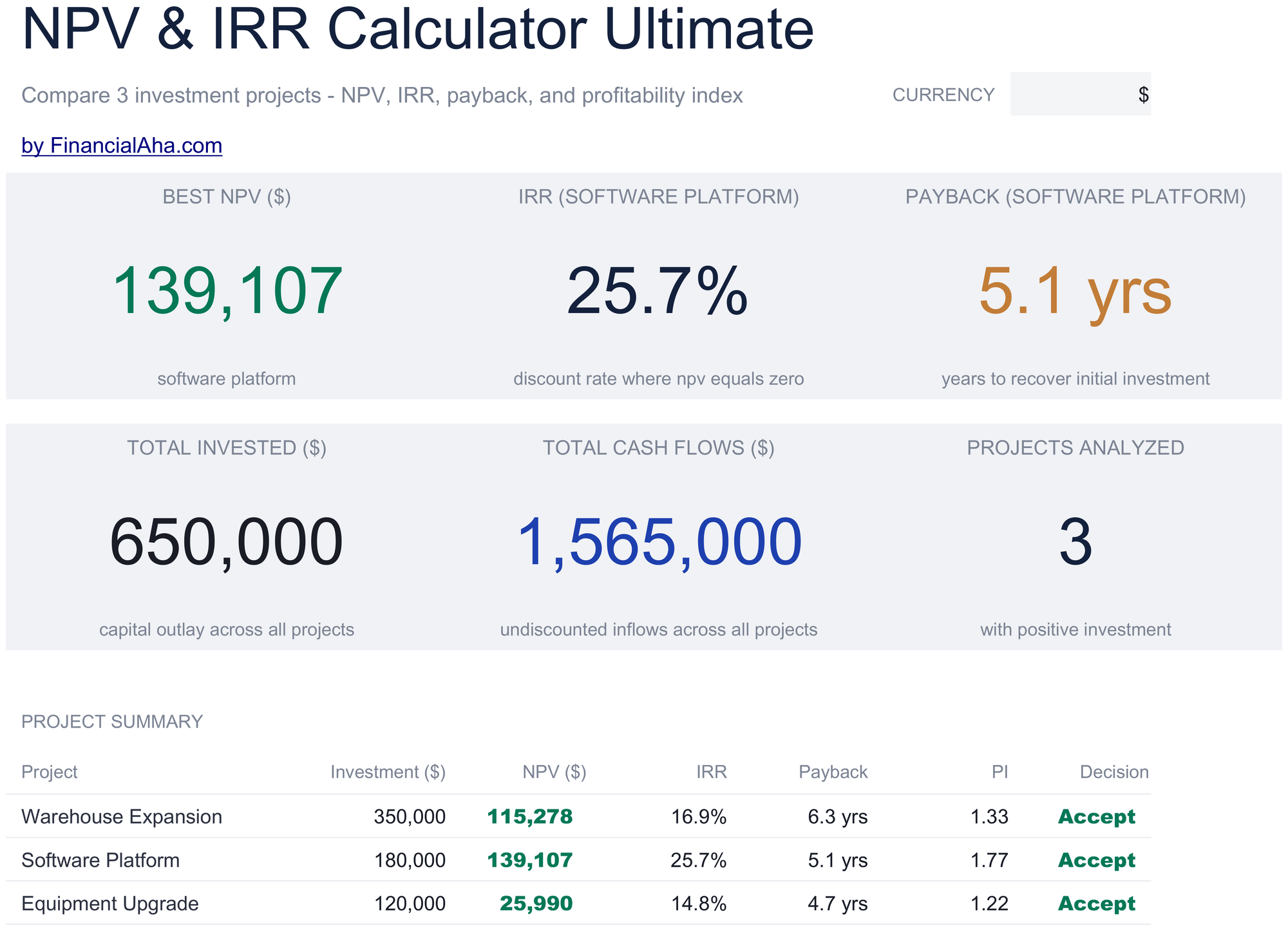
- Dashboard with portfolio KPIs: best NPV, project count, total invested, and a summary table with Accept/Reject decisions
- Comparison sheet ranking all projects by NPV, payback period, and profitability index
- Sensitivity analysis showing NPV, profitability index, and Accept/Reject at 9 different discount rates per project
Free vs Pro - here's the difference
- Analyze a single project with 10-year cash flows
- Dashboard with NPV, payback period, and bar chart
- Discount rate and cash flow inputs
- Works in Excel and Google Sheets
- Compare up to 3 investment projects side by side with independent cash flow projections
- Each project has a dedicated sheet with 15-year cash flow table, discount factors, present values, and cumulative PV
- Dashboard with portfolio KPIs: best NPV, project count, total invested, and a summary table with Accept/Reject decisions
- Comparison sheet ranking all projects by NPV, payback period, and profitability index
- Sensitivity analysis showing NPV, profitability index, and Accept/Reject at 9 different discount rates per project
What's Included
- Dashboard with NPV and IRR results displaying the net present value, internal rate of return, and payback period
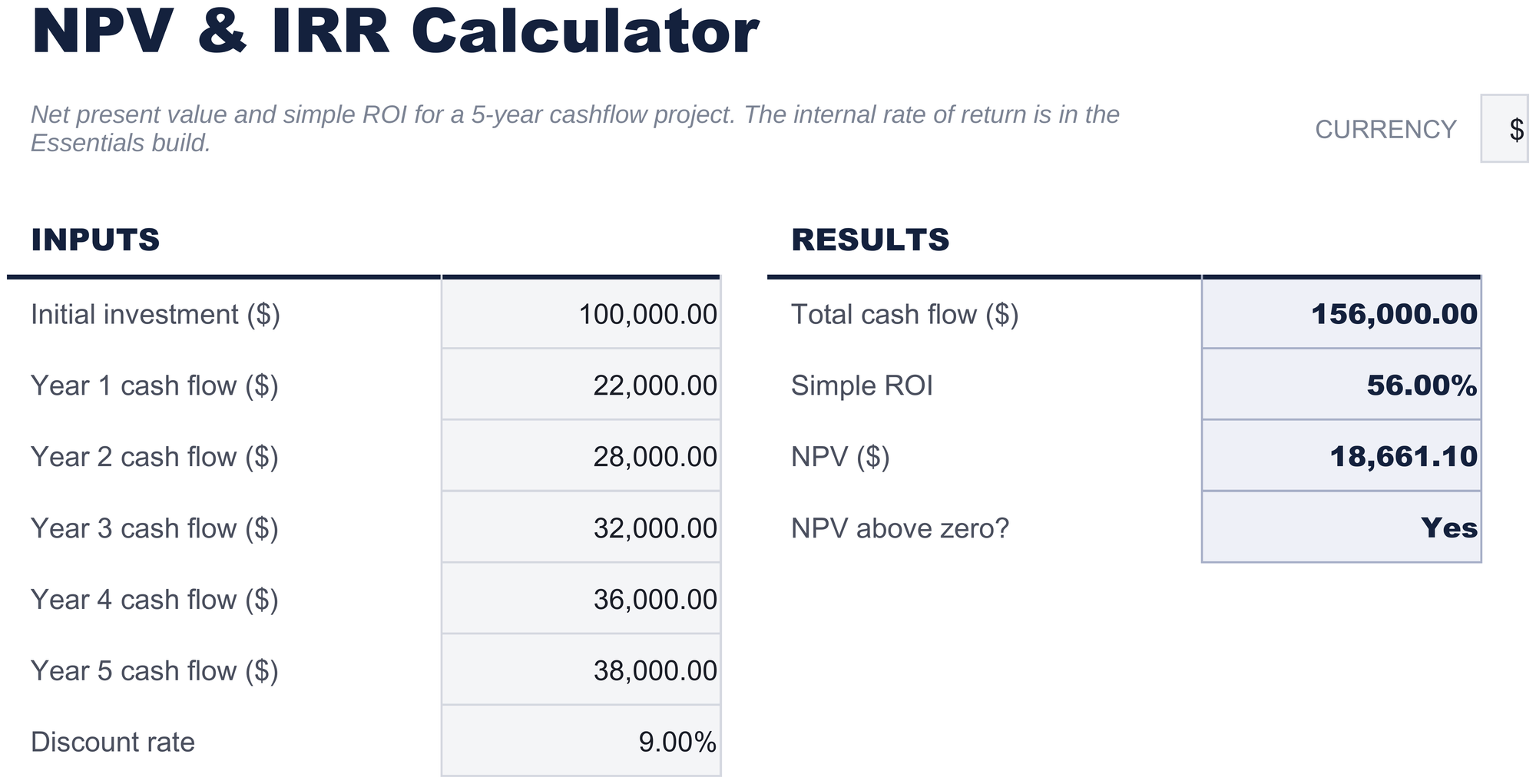
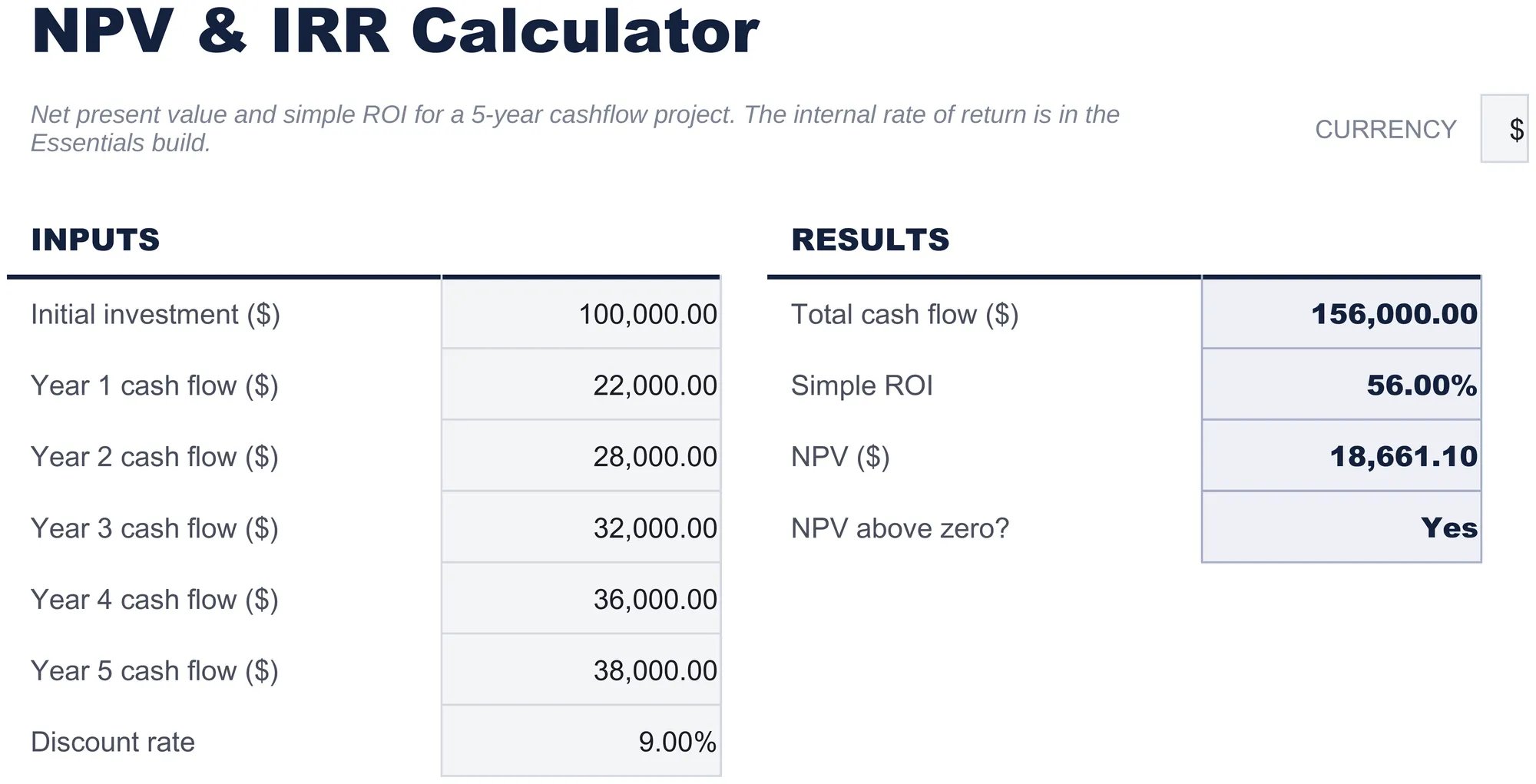
- Cash flow entry by period with columns for year, description, cash inflow, cash outflow, and net cash flow
- Discount rate input field that adjusts the NPV calculation to reflect your required rate of return on the investment
- Automatic NPV calculation using Excel NPV formula applied to the net cash flow series at the specified discount rate
- IRR computation with color-coded input cells (yellow) and auto-calculated investment evaluation metrics (blue)
- Works in Microsoft Excel, Google Sheets, and LibreOffice Calc with no setup required
Need more from this template?
The free version covers the basics. The Pro version goes further.
- Analyze a single project with 10-year cash flows
- Dashboard with NPV, payback period, and bar chart
- Discount rate and cash flow inputs
- Works in Excel and Google Sheets
- Compare up to 3 investment projects side by side with independent cash flow projections
- Each project has a dedicated sheet with 15-year cash flow table, discount factors, present values, and cumulative PV
- Dashboard with portfolio KPIs: best NPV, project count, total invested, and a summary table with Accept/Reject decisions
- Comparison sheet ranking all projects by NPV, payback period, and profitability index
- Sensitivity analysis showing NPV, profitability index, and Accept/Reject at 9 different discount rates per project
Preview
See what's inside this template


How to Use This NPV and IRR Calculator Template
Enter cash flows
List each period cash flow - the initial investment (negative) and subsequent inflows and outflows by year.
Set the discount rate
Enter your required rate of return or cost of capital. The NPV calculation uses this rate to discount future cash flows.
Review NPV
The dashboard shows the net present value. A positive NPV indicates the investment returns more than the required rate.
Check IRR
The internal rate of return shows the actual return rate implied by the cash flows. Compare it to your discount rate.
Built by Claude AI. Perfected by us.
We use Claude AI to draft each template, after a deep research. Then our team steps in. We refine the layout, stress-test every formula, fix edge cases, and polish the design until it feels like something we would actually use ourselves. The AI gets us 80% there. The last 20% is all human judgment.
Your template is downloading!
Here's what you could do with the Pro version:
- Analyze a single project with 10-year cash flows
- Dashboard with NPV, payback period, and bar chart
- Discount rate and cash flow inputs
- Works in Excel and Google Sheets
- Compare up to 3 investment projects side by side with independent cash flow projections
- Each project has a dedicated sheet with 15-year cash flow table, discount factors, present values, and cumulative PV
- Dashboard with portfolio KPIs: best NPV, project count, total invested, and a summary table with Accept/Reject decisions
- Comparison sheet ranking all projects by NPV, payback period, and profitability index
- Sensitivity analysis showing NPV, profitability index, and Accept/Reject at 9 different discount rates per project
Free vs Pro - here's the difference
- Analyze a single project with 10-year cash flows
- Dashboard with NPV, payback period, and bar chart
- Discount rate and cash flow inputs
- Works in Excel and Google Sheets
- Compare up to 3 investment projects side by side with independent cash flow projections
- Each project has a dedicated sheet with 15-year cash flow table, discount factors, present values, and cumulative PV
- Dashboard with portfolio KPIs: best NPV, project count, total invested, and a summary table with Accept/Reject decisions
- Comparison sheet ranking all projects by NPV, payback period, and profitability index
- Sensitivity analysis showing NPV, profitability index, and Accept/Reject at 9 different discount rates per project
Frequently Asked Questions
What does a positive NPV mean?
A positive NPV means the investment projected returns exceed your required rate of return. The higher the NPV, the more value the project adds.
How does IRR compare to the discount rate?
If IRR exceeds the discount rate, the investment clears your return threshold. If IRR is below the discount rate, the project does not meet your requirement.
What discount rate should I use?
Use your cost of capital, required return, or opportunity cost - the rate you could earn on an alternative investment of similar risk.
Can I enter monthly cash flows?
The template is set up for annual periods. For monthly cash flows, change the period labels and use a monthly discount rate (annual rate divided by 12).
How do I open this in Google Sheets?
Upload the .xlsx file to Google Drive, then open it with Google Sheets. All formulas and formatting will be preserved.
What license is this template under?
All free templates are released under CC BY 4.0 (Creative Commons Attribution). You can use, modify, and share them freely - including for commercial purposes - as long as you credit FinancialAha.com. They are provided as-is and do not constitute financial advice.
More Free Investing & Trading Templates
Investment Portfolio Tracker
Track investment holdings across stocks, bonds, and funds. Monitor portfolio value, allocation, and performance in one dashboard.
FreeStock Trading Journal
Log stock trades with entry, exit, and profit/loss details. Track trading performance over time with running P&L calculations.
FreeOptions Trading Journal
Log options trades with contract details, premiums, and outcomes. Track strategy performance across puts, calls, and multi-leg positions.
FreeCrypto Portfolio Tracker
Track cryptocurrency holdings across multiple coins and tokens. Monitor portfolio value, cost basis, and unrealized gains.
FreeLooking for premium spreadsheet templates?
Our paid templates include advanced multi-sheet dashboards, native Excel charts, and ongoing updates.